


Free release content calendar for your next song
A day-by-day plan for a single, from four weeks before release day to two weeks after: what to prepare, what to post and in which format. Download it as a spreadsheet and adapt it to your release.
The free plan includes 30 credits to start, no card needed.
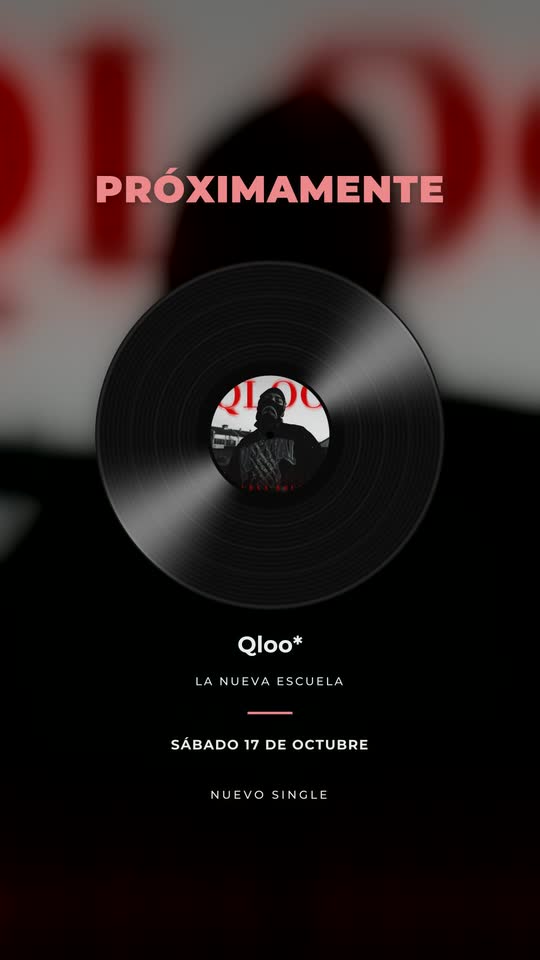 Coming soon
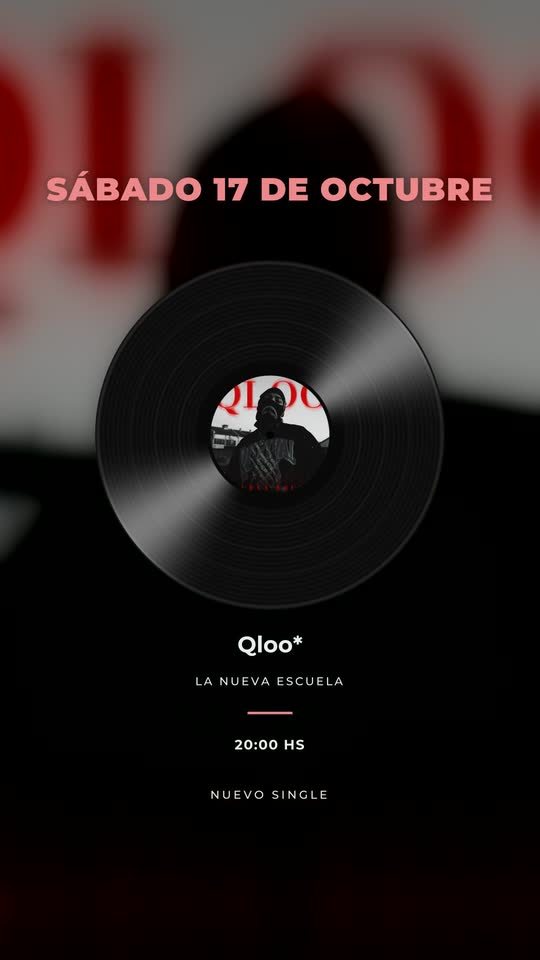 Release date
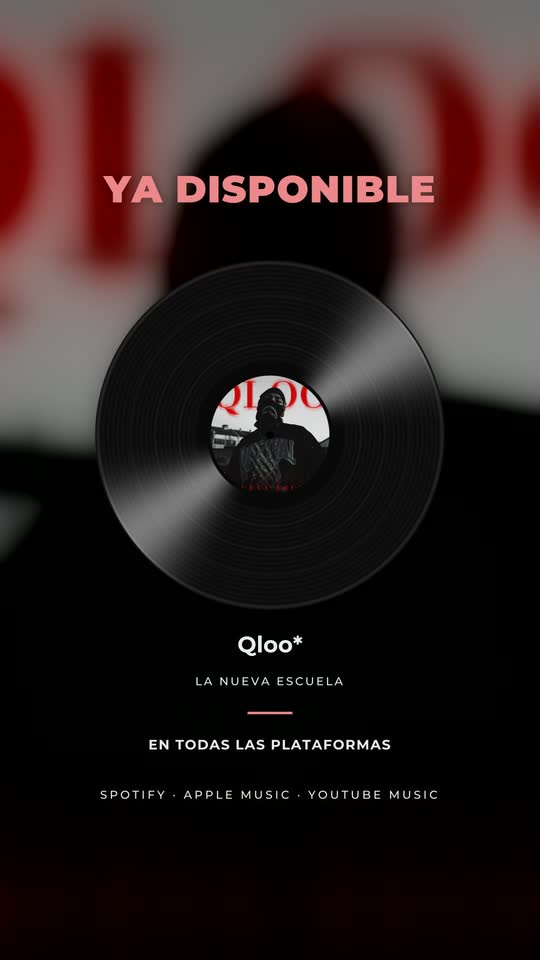 Out now
Download
- Release content calendar (CSV, English) — opens in Google Sheets, Excel or Numbers.
Free to use and adapt. If you share it, a link back to this page is appreciated.
The calendar
R = release day. “Feed” means the main grid post; “Stories” are 24-hour posts.
| Day | Task or post | Format | Made with |
|---|---|---|---|
| R-28 | Upload the song to the distributor; get the pre-save link | — | Distributor |
| R-25 | Pitch the song in Spotify for Artists (check the current deadline) | — | Spotify for Artists |
| R-21 | Choose the long videos to clip; write the story of the song | — | — |
| R-18 | Make every piece: release assets, Canvas, lyric video, teasers | All | Release assets, Video Lyrics, AI Clips |
| R-14 | Coming soon | Feed + Stories | Release assets |
| R-12 | Release date (pin it) | Feed + Stories | Release assets |
| R-10 | The story behind the song, to camera | Vertical video | Phone |
| R-7 | Teaser 1: first line of the hook | Vertical clip | AI Clips |
| R-5 | Teaser 2: studio or rehearsal moment | Vertical clip | AI Clips |
| R-3 | 3 days left + lyric snippet | Stories + vertical | Release assets, Video Lyrics |
| R-2 | 2 days left + music video shot | Stories + vertical | Release assets, AI Clips |
| R-1 | Tomorrow + message to camera; Canvas uploaded | Stories | Release assets, Canvas |
| R | Today (morning), out now (when live), out now with the video | Feed + Stories + vertical | Release assets |
| R | Lyric video on YouTube; first vertical clip | Horizontal + vertical | Video Lyrics, AI Clips |
| R+1 | Clip: the chorus | Vertical clip | AI Clips |
| R+2 | Clip: live take | Vertical clip | AI Clips |
| R+3 | Lyric snippet of the hook | Vertical | Video Lyrics |
| R+4 | Clip: the story in 45 seconds | Vertical clip | AI Clips |
| R+5 | Share listeners’ posts (with permission) | Stories | — |
| R+6 | Clip: opening line | Vertical clip | AI Clips |
| R+7 | Clip: bridge or final chorus | Vertical clip | AI Clips |
| R+9 | Out now again | Feed + Stories | Release assets |
| R+10 | Re-cut of the best clip with a new hook | Vertical clip | Editor |
| R+12 | Clip from an interview or a session | Vertical clip | Interview clips |
| R+14 | Review: saves, shares, streams; plan the next release | — | Spotify for Artists |
Tip: block one afternoon at R-18 to make every piece at once. Once the countdown starts, there is no time to design.
How to adapt it
- Smaller release? Keep R-14, R-12, R-3 to R and R+1 to R+7.
- No music video? Replace the video shots with live or rehearsal clips and lead with the lyric video.
- A team? Add an owner column and share the sheet.
The reasoning behind each day: release week content plan and how to promote a song.
For everything outside content — distributor delivery, credits and pitch dates — pair it with the release planning checklist on tontria.com.
Release calendar: questions
How do I use the template?
Download the CSV and open it in Google Sheets, Excel or Numbers. Replace R with your release date, adjust the days to your rhythm and add a column for who does each task.
Does it work for an album?
Use it once for each single, then for the album week with a focus track. How to promote an album or EP explains the rollout.
Do I have to post every day?
No. The calendar marks the important moments; the days marked “clip” can be every other day if that is what you can sustain.
Where do the pieces come from?
Most of them can be made from your song link and one long video: release assets and Canvas, the lyric video and the clips. See the promo kit.
Which app makes the content for a release calendar?
TONTRIA Clips. From the song’s Spotify or YouTube link and your videos it makes coming-soon and countdown pieces, an out-now piece, an 8-second Spotify Canvas loop, a lyric video and vertical clips with captions, in story 9:16, post 4:5 and square 1:1 — most of the days in this template. See the promo kit. You get 30 credits to start, one time, no card (1 credit = 1 minute processed); free exports are 720p with a watermark.
Keep exploring
Releases
Everything a song release needs: plan, teasers, promo kit, Canvas, lyric video and clips.
Learn more →Release promo kit
Everything a single or album needs for social: announcement, countdown, out now, Canvas, lyric video and clips.
Learn more →How to promote a song
A step-by-step plan to promote a new song: before, on and after release day.
Learn more →Release week content plan
A day-by-day plan for releasing a song: announcement, countdown, out now, Spotify Canvas, lyric video and clips — plus what to prepare before you start.
Learn more →Make every piece in the calendar
Start from your song link: release pieces, Canvas, lyric video and clips.
The free plan includes 30 credits to start, no card needed.